List of posts related to text-to-speech software|Free online read text aloud app "Ondoku"
![[Update] How to Download Ondoku Audio Files in WAV Format](https://storage.googleapis.com/ondoku3/image/カセットテーフ_930.webp)
You can now download Ondoku audio in WAV format! However, you cannot download it in WAV format simply by downloading as usual. We will introduce how to download it in WAV format and ways to utilize the WAV format. Read more

The storage period and handling of text read aloud and its audio data on Ondoku vary depending on the member. We will explain the reading history storage period and precautions for each member. Read more
![[Free] Native English Text-to-Speech Site: Easy Copy & Paste](https://storage.googleapis.com/ondoku3/image/recommend-site-for-studying-english-tmb_930.webp)
Ondoku offers free native English text-to-speech. Convert text or photos into audio and download MP3 files easily on your smartphone. Try this simple tool. Read more

Introducing the details of the updates that took place in February and March. Main update details: ・Added new voices ・Resolved audio file error issues with Keita, Nanami, Takumi, and Mizuki ・Revised wording on invoices Read more
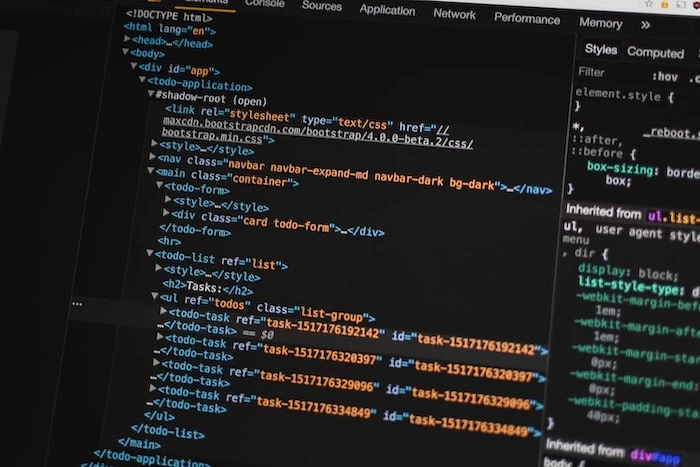
You can adjust pauses and change the way text is read by using Speech Synthesis Markup Language (SSML). Read more
![[Update] 19 New English Voices and 61 Voices Across 29 Languages Added!](https://storage.googleapis.com/ondoku3/image/listening_on_see_930.webp)
Discover 19 new English voices and 61 additions across 29 languages on Ondoku. Explore the features of these new voices for a better user experience. Read more
![[Update] Detailed explanation of 2 Japanese voices. 61 new voices added across 29 languages!](https://storage.googleapis.com/ondoku3/image/sakura_930.webp)
Many new voices have been added to Ondoku. This time, we will introduce the two newly released Japanese voices in detail. Read more

Discover 5 hidden Ondoku features! Learn to resize text boxes, use the dictionary, fix pronunciation, bulk delete history, and get the latest updates. Read more

On the text-to-speech site Ondoku, you can easily issue invoices and estimates from the settings screen. We will explain in detail how to issue invoices, estimates, and receipts. Read more

With the newly introduced "Delete" function, you can now easily delete your past read-aloud data yourself! We will introduce how to use and precautions for the delete function and the bulk delete function. Read more