![For audio learning! How to create audio files for what you want to study yourself [Available for free] | Text-to-speech software Ondoku](https://storage.googleapis.com/ondoku3/image/Listening_930.webp)
Best Text-to-Speech Software: 7 Free & Paid Tools for Commercial Use
Supporting Children with Reading/Writing Difficulties via Text-to-Speech (Textbook Support)
Aug. 7, 2026

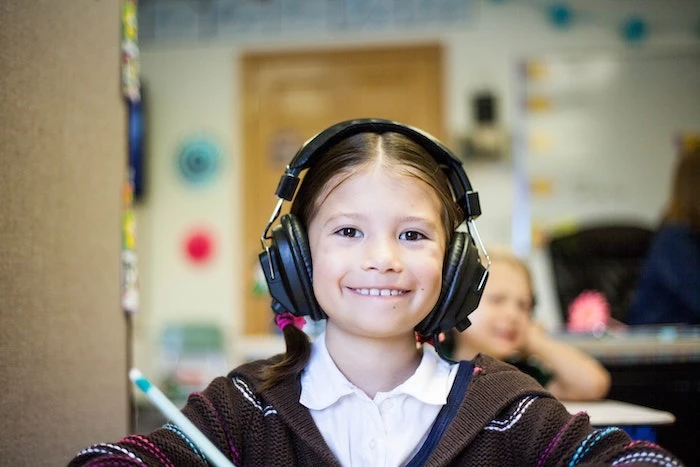
My child takes so much time to read textbooks... I wonder how I can support them.
Are you worried about your child's reading and writing?
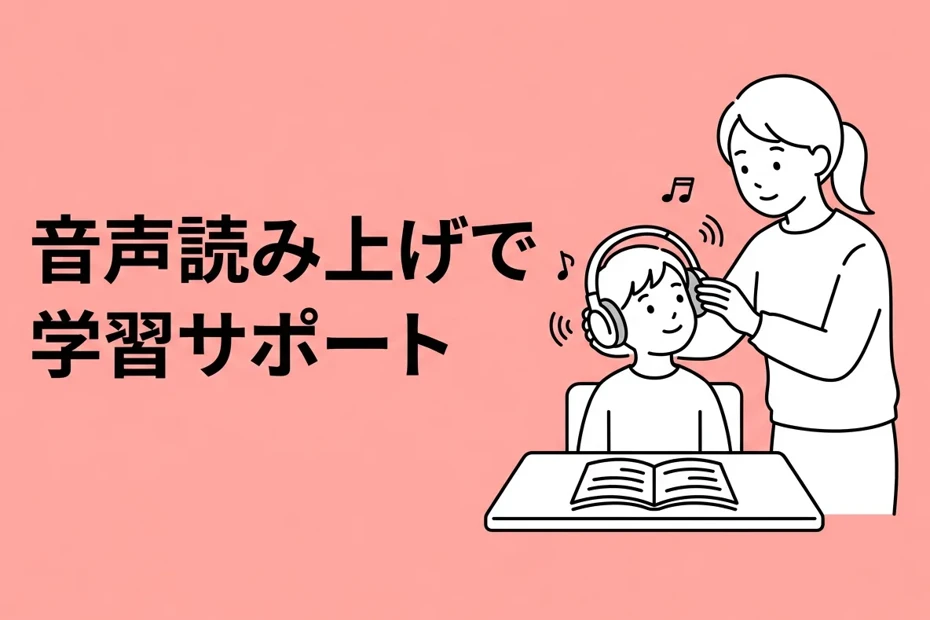
By using AI text-to-speech tools, they can learn the content of textbooks and handouts by "listening" to them.
In fact, there are many children who struggle with reading but can understand perfectly fine when they listen.
Starting from April 2024, reasonable accommodation in schools has become mandatory, making it easier to apply for considerations such as having test questions read aloud via audio.
Even for homework and self-study, utilizing audio can help learning proceed smoothly.
In this article, we will explain how to support the learning of children who struggle with reading and writing using text-to-speech tools.
What you will learn in this article
- Basic knowledge of reading and writing difficulties (dyslexia)
- Reasons why text-to-speech is effective for learning support
- How to use text-to-speech in schools as a reasonable accommodation
- Specific ways to utilize it for textbooks, tests, and home study
- Steps to create learning audio with "Ondoku"
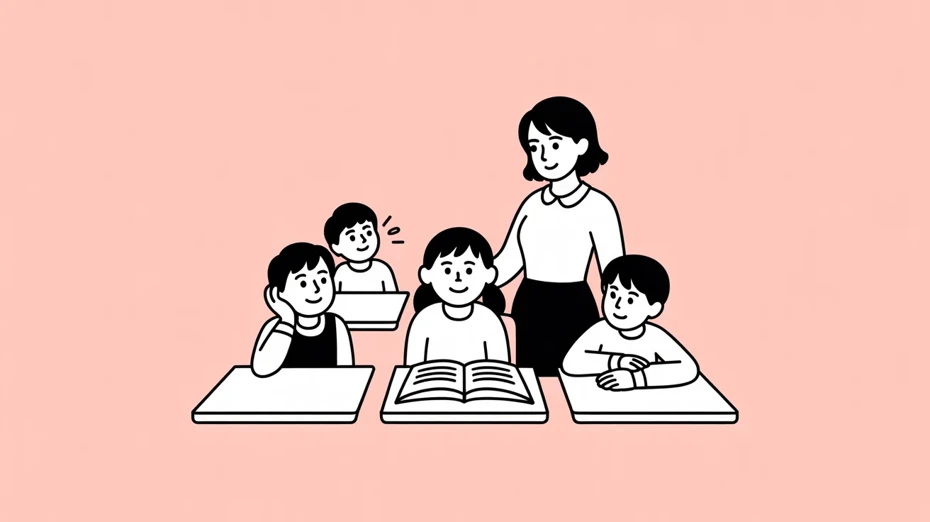
There are 1–2 children with reading and writing difficulties (dyslexia) in every class
- Cannot read textbooks fluently
- Takes a long time to copy notes from the blackboard
Stumbling over reading and writing like this is actually not a matter of intellectual ability.
Dyslexia is a learning disability where a person has extreme difficulty reading or writing characters despite having no problems with intelligence.
Symptoms vary from person to person, such as "letters looking distorted," "difficulty distinguishing between similar-shaped characters," or "losing track of the line being read," but the common factor is that "they are not being lazy."
According to a survey conducted by the Ministry of Education, Culture, Sports, Science and Technology (MEXT) in 2022, the percentage of students in regular classrooms showing significant learning difficulties was approximately 6.5%.
In a class of 35 students, that calculates to about 2 people having some kind of reading or writing difficulty.
As you can see, dyslexia is surprisingly common.
The important thing is to receive appropriate support so that they can proceed with their learning at their own pace, even if they struggle with reading and writing.
One support method you should definitely utilize for this purpose is a text-to-speech tool.
Why can text-to-speech tools be used for learning support?
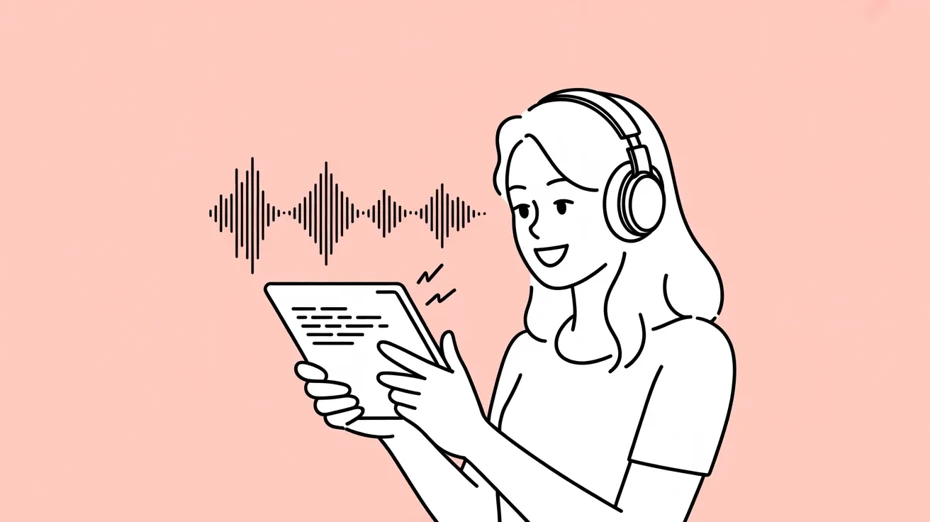
Text-to-speech tools are recommended for learning support because even if a child is not good at "reading with their eyes," they can often understand the content if they "listen with their ears."
One characteristic of dyslexia is difficulty converting characters into sounds.
Therefore, by letting the text-to-speech tool handle the conversion from characters to sounds, they become able to understand the content smoothly.
There is also the benefit that receiving information through both eyes and ears makes it easier to remember what was studied.
Using tools in this way is not something special.
It is the same as someone with poor eyesight wearing glasses.
If there is difficulty in reading, use a tool that reads characters aloud.
It is only natural to use tools to demonstrate your own abilities.
Differences between Daisy textbooks and AI text-to-speech tools
As audio teaching materials for children with reading and writing difficulties, there are "Multimedia Daisy Textbooks" promoted by MEXT.
These are materials that read the contents of authorized textbooks aloud, and their feature is that the part being read is highlighted.
However, Daisy textbooks are only for textbooks authorized by MEXT.
They do not cover test questions, distributed handouts, cram school texts, or reference books for home study.
AI text-to-speech tools are useful when you want to cover texts other than textbooks.
Since you can convert text into audio just by inputting it, you can turn any sentence into a teaching material for "learning by ear."
How to use text-to-speech tools in school as a reasonable accommodation?

Can text-to-speech tools be used for school tests as well?

In April 2024, the amended Act on the Elimination of Discrimination against Persons with Disabilities came into force, making it mandatory for all business operators, including private ones, to provide reasonable accommodation.
Schools are also required to provide accommodations such as reading test questions aloud or extending time for children with reading and writing difficulties.
The flow from requesting reasonable accommodation to decision
When you want to use AI text-to-speech tools for learning support, first the child or guardian needs to request reasonable accommodation.
Consult with the homeroom teacher or the special needs coordinator and tell them specifically about the child's difficulties.
The key is to describe daily situations as specifically as possible, such as "Stumbles when reading textbooks aloud" or "Takes a long time to read test questions, so there isn't enough time to answer."
After that, the school and parents will have a discussion to decide together on the content of the accommodation that suits the child.
There are various methods of reasonable accommodation, such as reading test questions aloud using ICT equipment, extending the time, or taking the exam in a separate room.
GIGA School terminals can be utilized
With the GIGA School initiative providing one tablet device per student, an environment has been established where text-to-speech tools are easy to use.
By accessing "Ondoku" from a browser on a Chromebook or iPad, you can listen to the contents of textbooks and handouts in audio without installing an app.
Another advantage is that since it can be used on their own terminal, they don't have to stand out for "having special equipment."
We explain the credit notation method for using Ondoku in educational institutions such as schools in detail in this article, so please take a look.
How to utilize text-to-speech for various learning situations
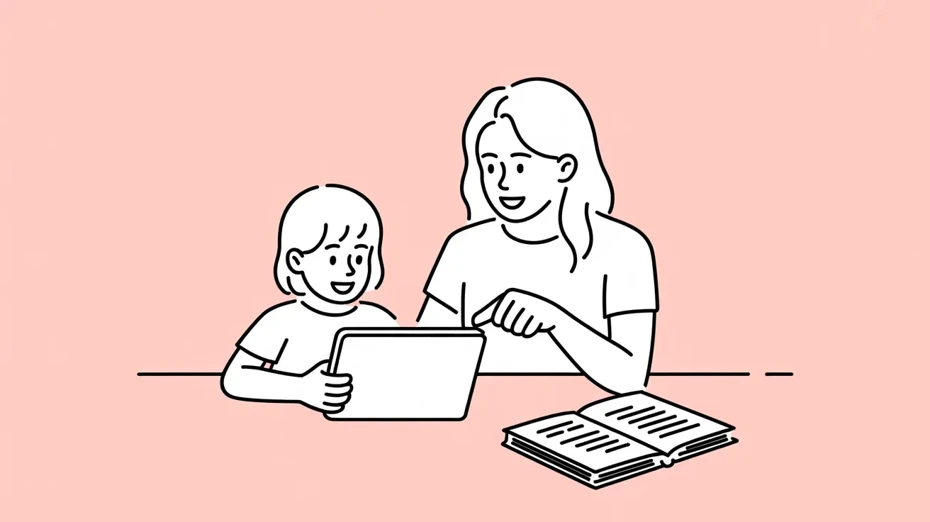
From here, we will introduce how text-to-speech tools can support learning, scene by scene.
Listening to textbooks and handouts in audio
By inputting the text content into a text-to-speech tool, you can learn while listening to the textbook by ear.
If you are using digital textbooks, simply copy and paste the text.
For paper textbooks or handouts, it is convenient to take a photo with a smartphone camera and convert it to text using OCR (Optical Character Recognition).
"Ondoku" also has a function to read text from images, so you can easily turn paper materials into audio.

How to use image reading | How to use free OCR to turn text in photos into audio
Explaining the functions of "Ondoku" that can read text from images and photos (OCR) and read them aloud. It can be used for free. On both PC and smartphone, reading is completed in just a few seconds simply by uploading an image.
Reading test questions aloud
By listening to test questions as audio, even if someone is not good at reading text, they will be able to understand the content of the questions accurately.
Recently, publishers who create tests have begun to support text-to-speech, such as Kobunshoin providing an audio conversion service for elementary school tests.
For tests that are not supported, teachers or parents can handle it by converting the text of the questions into audio using a text-to-speech tool in advance.
It is recommended to consult with the school along with the application for reasonable accommodation.
Incorporating text-to-speech into home study
Text-to-speech tools also show their power in home study.
- Homework
- Preparation and review for classes
- Studying for tests
In various situations, you can proceed with your studies more smoothly.
When you want to understand the content slowly, it is recommended to set the reading speed to 0.7–0.8x using the function on the AI reading site.
Conversely, if you want to get a general grasp of the content, you can increase the speed and listen.
Explaining the steps to read textbooks and handouts with Ondoku

I want to try using a text-to-speech tool for my studies right away!
From here, we will introduce the steps to create reading audio for learning using the AI reading app "Ondoku."
You can easily create audio in 3 steps.
This time, we will explain using the screen of Ondoku Beta, which can read more naturally.
Step 1: Enter text
Open the "Ondoku" site and paste the contents of the textbook or handout into the text entry field.
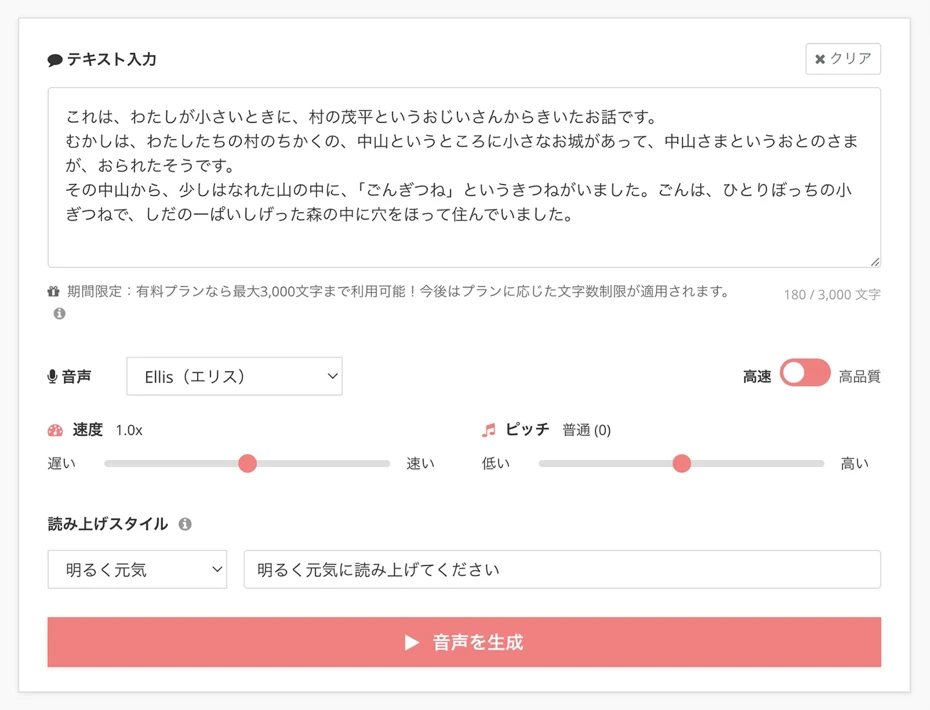
*You can also read directly from a photo taken using Ondoku's image reading function.
Step 2: Reading settings
Select the reading voice.
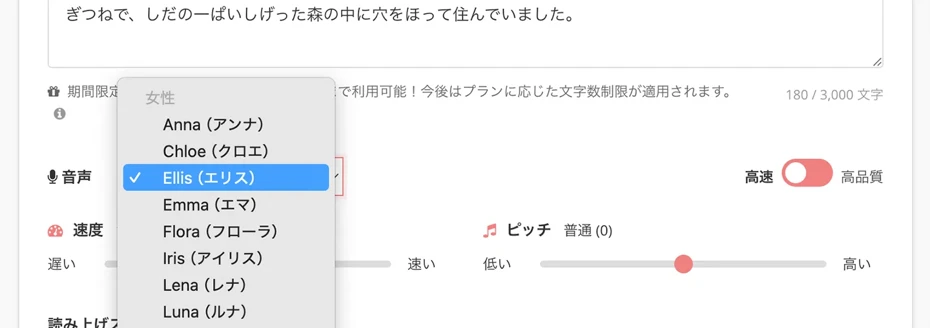
Ondoku Beta also allows you to change the reading style.
When reading a story like in this example, it is recommended to choose "Storytelling style."
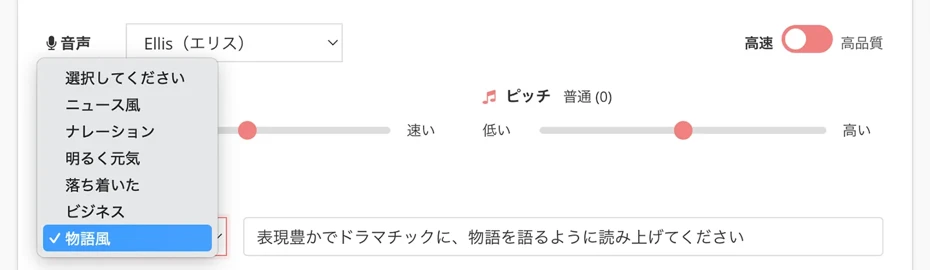
Ondoku also supports changing the reading speed.
Listening at a slower speed makes it easier to follow the text with your eyes while understanding the content.
Once you get used to it, try increasing the speed little by little to find a pace that suits the child.
(In Ondoku Beta, it is also possible to directly specify the reading pace in the reading style field.)
Step 3: Generate audio file
Now you are ready.
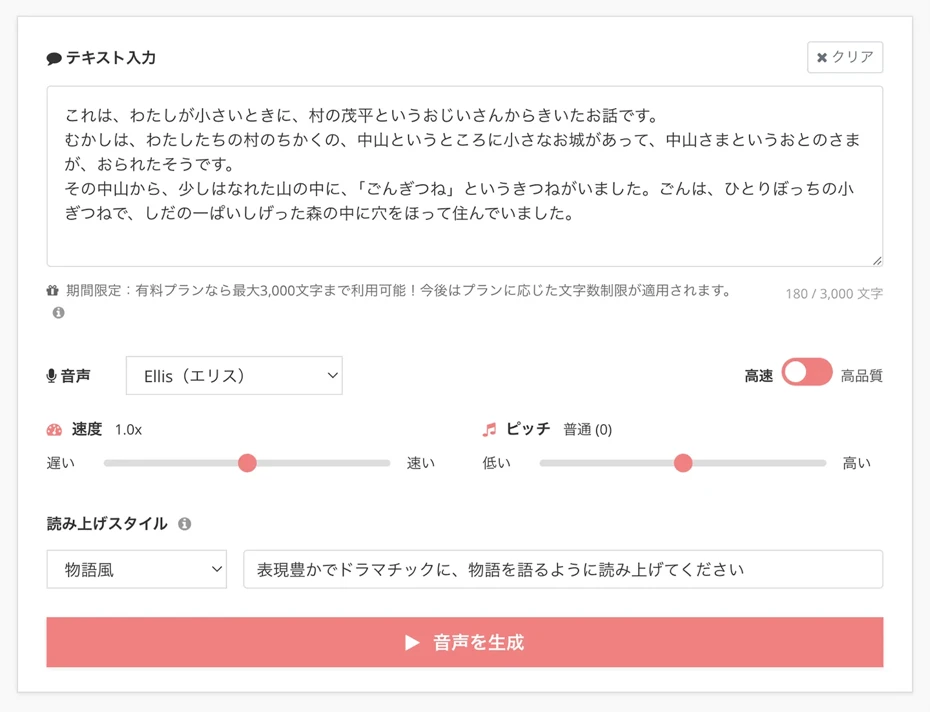
Press "Generate Audio" and audio generation will begin.
The AI reading process will complete shortly, and an audio player will be displayed on the screen.
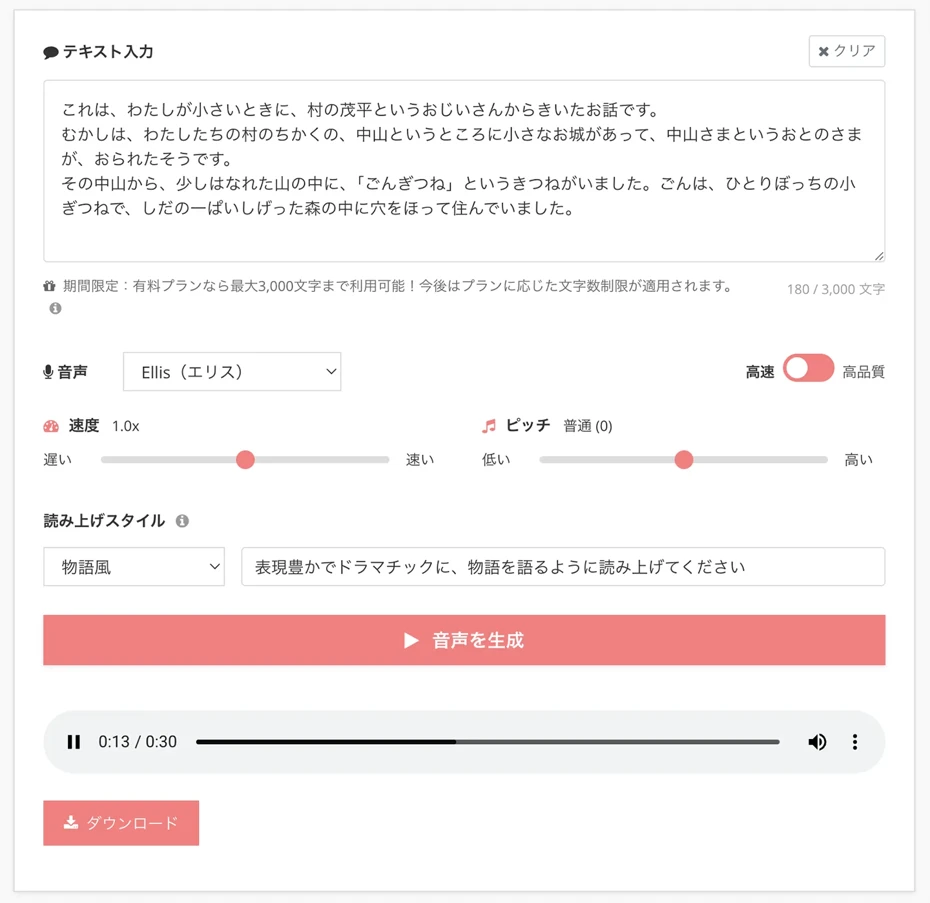
The audio will play automatically, so if it sounds okay after listening, press "Download" to save the file.
Audio read this time (Gon, the Little Fox)
The read audio can be downloaded as an MP3 file.
If you save it on a tablet or smartphone, you can listen to it repeatedly at any time, such as during the commute to school or before bed.
It is especially effective when used for review before a test.
In this way, you can easily create learning support audio using Ondoku.
Why not use Ondoku for free first and actually generate audio?
3 points to protect a child's self-esteem
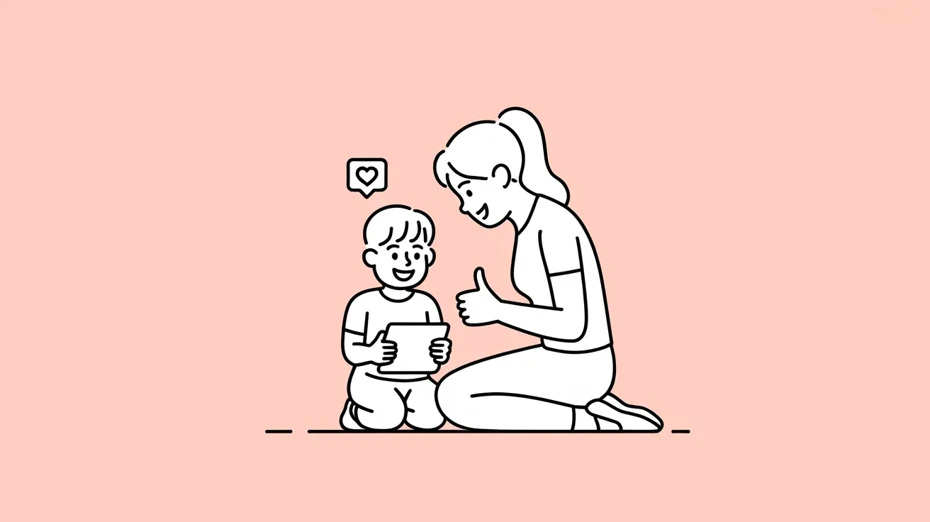
For children who have difficulty reading and writing, using a support tool itself can sometimes be a hurdle.
If they feel like "only I am being treated specially," they may conversely become reluctant to use the tool.
Therefore, from here we will introduce points that parents and teachers should keep in mind.
1. Tell them "It's the same as glasses"
Just as people with poor eyesight wear glasses, if you're not good at reading, you use an audio tool.
Tell the child and the surrounding children that it is only natural to use tools to demonstrate your own abilities.
If adults can explain properly when told "It's unfair," children will be able to use support tools with peace of mind.
2. Rejoice together in what they have achieved
- Understood the test questions
- Could understand the contents of the textbook
In this way, by using text-to-speech tools, they will be able to do what they could not do before.
The greatest force for increasing self-esteem is the accumulation of such "I could do it" experiences.
It is important to acknowledge not only the results but also the fact that they challenged themselves using the tool.
3. Make it so children can gradually use the tool themselves
When using a tool to support learning, at first the parent needs to handle the text entry and settings.
But once they get used to it, it is recommended to gradually let the child handle the operations themselves.
By becoming able to master the tool themselves, they can gain confidence that "I can learn on my own."
Summary of learning support for children with reading and writing difficulties
In this article, we introduced how to support the learning of children who struggle with reading and writing using AI text-to-speech tools.
As introduced at the beginning, it is said that children with reading and writing difficulties exist in a ratio of 1–2 per class.
However, by using text-to-speech tools, it is possible to understand textbooks, handouts, and test questions more smoothly.
Starting from 2024, providing reasonable accommodation has become mandatory, and an environment where learning support via text-to-speech can be received easily in schools has been established.
The AI reading app "Ondoku" can be used with just a browser, and there is also a free plan.
To support the learning of children who struggle with reading and writing, why don't you try utilizing it too?
■ AI voice synthesis software "Ondoku"
"Ondoku" is an online text-to-speech tool that can be used with no initial costs.
- Supports 81 languages and regions, including Japanese, English, Chinese, Korean, Spanish, French, and German
- Available from both PC and smartphone
- Suitable for business, education, entertainment, etc.
- No installation required, can be used immediately from your browser
- Supports reading from images
To use it, simply enter text or upload a file on the site. A natural-sounding audio file will be generated within seconds. You can use voice synthesis up to 5,000 characters for free, so please give it a try.

Text-to-speech software "Ondoku" can read out 5000 characters every month with AI voice for free.
You can easily download MP3s and commercial use is also possible.
If you sign up for free, you can convert up to 5,000 characters per month for free from text to speech.
Try Ondoku now.
HP:
ondoku3.com
Email: ondoku3.com@gmail.com
Email: ondoku3.com@gmail.com
Related posts
"Ondoku" is a Text-to-Speech service that anyone can use for free without installation. If you register for free, you can get up to 5000 characters for free each month. Register now for free
- What is Ondoku
- Start text-to-speech conversion
- Free registration
- Pricing
- Posts
- Try other free services