![[Text-to-Speech Plugin] "Ondoku", a plugin that automatically reads WordPress articles | Text-to-Speech Software Ondoku](https://storage.googleapis.com/ondoku3/image/plugin_930.webp)
Best Text-to-Speech Software: 7 Free & Paid Tools for Commercial Use
5 Best WordPress Text-to-Speech Plugins Comparison [2026 Edition]
Sept. 9, 2026
![5 Best WordPress Text-to-Speech Plugins Comparison [2026 Edition]](https://storage.googleapis.com/ondoku3/image/wordpress-tts-plugin_tmb_930.webp)

I want to add a text-to-speech function to my WordPress blog! Which plugin should I choose?
There are many types of WordPress text-to-speech plugins, so it can be hard to decide which one is best for your blog.
In this article, we will introduce 5 carefully selected plugins that can add text-to-speech functionality to WordPress.
We have thoroughly compared the differences in Japanese language support, pricing, and voice quality, so you can quickly find the right plugin for your blog.
What you will learn in this article
- Introduction of 5 recommended text-to-speech plugins for WordPress
- Thorough comparison of 5 plugins by price, Japanese support, and voice quality
- Explanation of how to choose the optimal plugin based on your blog's purpose
What are the features of WordPress text-to-speech plugins?

If you run a blog on WordPress, we recommend installing a text-to-speech plugin.
First, let's explain the effects of adding a text-to-speech plugin.
Enabling "listening while doing other things" with WordPress text-to-speech plugins
When you use a WordPress text-to-speech plugin, a play button is automatically added to the article page.
Readers can listen to the content of the article just by pressing the button.
Even if they don't have time to read the article, they can "listen while doing other things" during their commute or chores. This allows them to stay on the site longer without leaving, even for long-form articles.
In fact, the number of WordPress blogs implementing text-to-speech is increasing every year.
For blog owners, text-to-speech functions are also gaining attention from an SEO perspective.
Improving accessibility with text-to-speech plugins
Since articles can reach readers who cannot rely on vision, it also leads to improved site accessibility.
Even if you operate an official website for a company or public facility on WordPress, using a text-to-speech plugin allows more people to browse the website comfortably.
Types of WordPress text-to-speech plugins
There are two types of text-to-speech plugins for WordPress:
- "Cloud AI type" which generates voice using AI on the cloud
- "Browser synthesis type" which uses the synthetic voice built into the reader's browser
The voice quality and pricing structure change significantly depending on which type of text-to-speech plugin you choose, so we recommend comparing plugins thoroughly before implementation.
As you can see, WordPress text-to-speech plugins are very useful functions that can extend the time readers spend on your blog and improve accessibility.
They are easy to install, so we recommend trying them right away!
5 Recommended Text-to-Speech Plugins for WordPress
From here, we will introduce 5 text-to-speech plugins for WordPress.
We are introducing plugins that can be implemented on Japanese blogs, so why not compare them and introduce a text-to-speech function to your blog or website?
1. Ondoku: The best AI text-to-speech plugin for Japanese blogs

Ondoku is a cloud AI text-to-speech service that supports 81 languages and regions, including Japanese.
As an AI speech service originating from Japan, it can read Japanese with very high accuracy.
With the latest AI speech synthesis engine, you can create natural Japanese speech without a mechanical feel.
By installing the official WordPress plugin "Ondoku", you can automatically place a play button on your posted articles.
Since the management screen is entirely in Japanese, it is easy to install even for those who are not good at English.
Moreover, Ondoku allows free reading of up to 5,000 characters every month!
Why not register for free with Ondoku first and try the WordPress plugin "Ondoku"?
2. AtlasVoice: A popular text-to-speech plugin in English-speaking regions

AtlasVoice is a popular text-to-speech plugin in the English-speaking world.
It supports four AI engines, including Google Cloud, OpenAI, and ElevenLabs, allowing you to choose your preferred voice engine.
Japanese voice generation is possible, but the management screen and support are all in English.
It is a paid service and can be used for $59 per year.
This WordPress plugin is recommended for those who operate English websites.
3. Trinity Audio | A plugin that can automatically create audio with AI voices
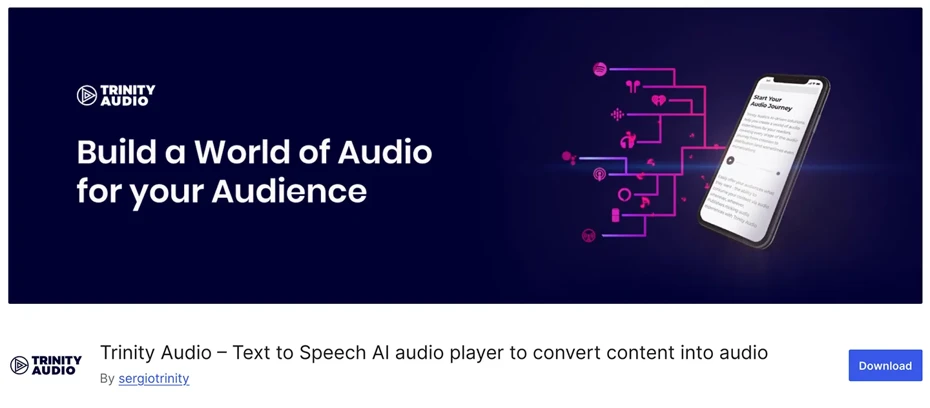
Trinity Audio is a text-to-speech plugin that supports over 125 languages and more than 600 types of voices.
It features the ability to display a play button overlaid on the article page and has a focus on design.
The free plan allows you to convert up to 5 articles per month into audio.
However, for blogs with high update frequency, the free limit will be used up quickly, so a paid plan contract is necessary for full-scale use.
4. ResponsiveVoice | A plugin that uses browser speech functions

ResponsiveVoice is a WordPress plugin that reads using the "Web Speech API" standardly installed in browsers such as Chrome, Edge, and Safari.
Instead of generating voice in the cloud, it creates voice on the reader's browser side.
It supports 51 languages.
It can be installed simply because voice generation on the server side is not required.
However, the voice quality depends on the reader's device and browser.
Note that since the last update was in 2025, we recommend checking compatibility with the latest version of WordPress before use.
5. TTSWP (Mementor) | A plugin that adopts the ElevenLabs speech synthesis engine
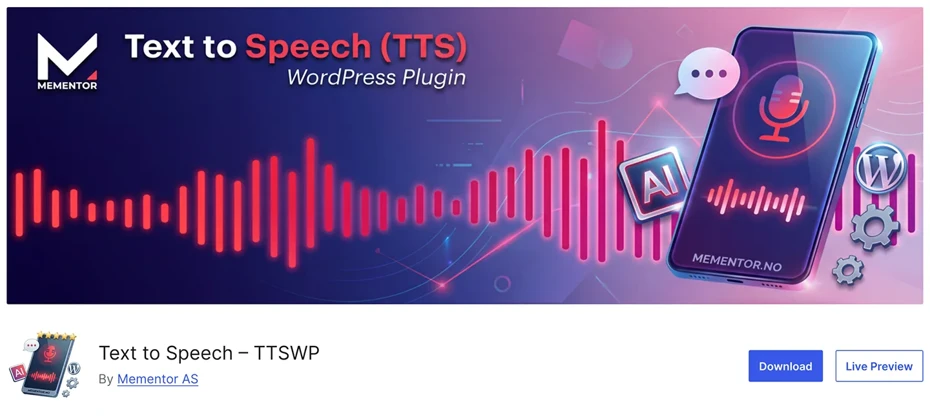
TTSWP is a WordPress plugin that adopts the high-quality speech synthesis engine "ElevenLabs".
Released in 2025, ElevenLabs' realistic voices are available for $4.99 per month.
Its appeal lies in the realistic English intonation and pausing (it also supports Japanese).
You can also try it for free, so you can test it out before signing a contract.
Thorough Comparison of 5 Recommended WordPress Text-to-Speech Plugins
We have summarized the 5 plugins introduced so far in a comparison table based on factors such as price, Japanese support, and voice quality.
You can scroll horizontally
| Plugin | Free Limit | Paid Plan Estimate | Japanese Voice Quality | Voice Generation Method | Japanese Support (Settings) |
|---|---|---|---|---|---|
| Ondoku | 5,000 characters/month | From 980 yen/month | High (Cloud AI) | Cloud AI | Yes |
| AtlasVoice | Browser voice only | $59/year | Med-High (AI selectable) | Cloud AI | No |
| Trinity Audio | 5 articles/month | Inquiry required | Medium (Multilingual) | Cloud AI | No |
| ResponsiveVoice | Available (limited) | From $49/year | Low-Med (Device dependent) | Browser synthesis | No |
| TTSWP | 10,000 characters (First time only) | $4.99/month | High (ElevenLabs) | Cloud AI | No |
If you are using it for a Japanese blog, we recommend the well-balanced Ondoku.
With Ondoku, you can operate on a Japanese screen.
Moreover, you can try high-quality cloud AI Japanese voices for free.
While there are popular WordPress plugins like AtlasVoice in English-speaking regions, they lack Japanese management screens and support, making the difficulty of implementation higher if you are running a WordPress blog in Japanese.
If you are looking for a WordPress plugin that can be used for free, we recommend installing Ondoku first!
Using this article as a reference, why not try installing the Ondoku reading plugin on your WordPress site?
Precautions when implementing a text-to-speech plugin

There are several points to keep in mind when implementing a text-to-speech plugin on a WordPress blog.
First, there are differences in Japanese reading accuracy between plugins.
We recommend checking the actual audio via a demo or free limit before implementation.
Also, loading audio files may affect the overall display speed of the site.
It's a good idea to check after implementation if the page loading time has slowed down.
We also recommend checking compatibility with your WordPress version and theme before adding a plugin.
Plugins may interfere with each other, causing layouts to break or play buttons not to appear.
If you are worried, you can avoid trouble by checking the operation on a test page first and comparing it with the state before installation.
Summary: Comparison of WordPress Blog Text-to-Speech Plugins
In this article, we compared and introduced text-to-speech plugins for WordPress.
There are many benefits to WordPress text-to-speech plugins.
Not only can readers stay on the site longer, but you can also improve accessibility.
If you want to install a plugin right now, we recommend Ondoku, which combines a Japanese interface with high-quality AI voices!
Since you can try it for free starting today, why not try introducing a text-to-speech plugin to your blog?
■ AI voice synthesis software "Ondoku"
"Ondoku" is an online text-to-speech tool that can be used with no initial costs.
- Supports 81 languages and regions, including Japanese, English, Chinese, Korean, Spanish, French, and German
- Available from both PC and smartphone
- Suitable for business, education, entertainment, etc.
- No installation required, can be used immediately from your browser
- Supports reading from images
To use it, simply enter text or upload a file on the site. A natural-sounding audio file will be generated within seconds. You can use voice synthesis up to 5,000 characters for free, so please give it a try.

Text-to-speech software "Ondoku" can read out 5000 characters every month with AI voice for free.
You can easily download MP3s and commercial use is also possible.
If you sign up for free, you can convert up to 5,000 characters per month for free from text to speech.
Try Ondoku now.
HP:
ondoku3.com
Email: ondoku3.com@gmail.com
Email: ondoku3.com@gmail.com
Related posts
"Ondoku" is a Text-to-Speech service that anyone can use for free without installation. If you register for free, you can get up to 5000 characters for free each month. Register now for free
- What is Ondoku
- Start text-to-speech conversion
- Free registration
- Pricing
- Posts
- Try other free services
![5 Best WordPress Text-to-Speech Plugins Comparison [2026 Edition]](https://storage.googleapis.com/ondoku3/image/irodori-tts_tmb_140.webp)
![5 Best WordPress Text-to-Speech Plugins Comparison [2026 Edition]](https://storage.googleapis.com/ondoku3/image/tategaki-image-yomiage_howto_tmb_140.webp)
![5 Best WordPress Text-to-Speech Plugins Comparison [2026 Edition]](https://storage.googleapis.com/ondoku3/image/iphone-video-narration_tmb_140.webp)
![5 Best WordPress Text-to-Speech Plugins Comparison [2026 Edition]](https://storage.googleapis.com/ondoku3/image/chrome-reading-mode-pc_tmb_140.webp)
![5 Best WordPress Text-to-Speech Plugins Comparison [2026 Edition]](https://storage.googleapis.com/ondoku3/image/pdf-to-mp3-howto_tmb_140.webp)









